

01
Choose a starting team
Begin with a year group, department or small staff cohort with a clear need.
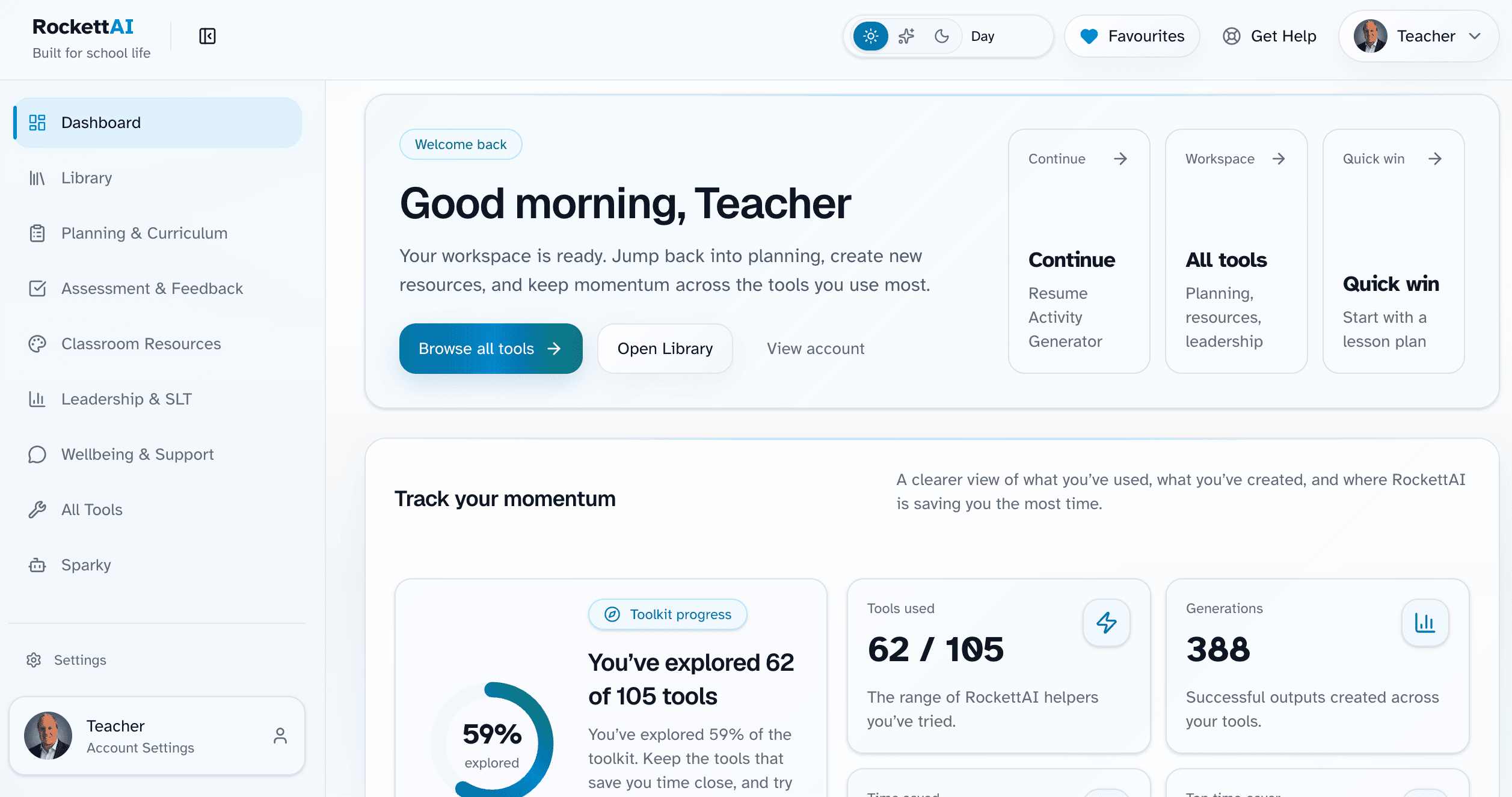
RockettAI brings planning, resource creation, assessment and school tasks into one workspace that staff can learn and reuse.
GDPR Safe Mode is enabled automatically, helping staff receive useful drafts while keeping detected identifiers out of the AI request.
What happens before and after AI processing
RockettAI identifies supported personal details and replaces detected information with neutral placeholders.
The AI provider receives the working context with those original personal details removed.
After the response returns, RockettAI restores the original details in the authorised user’s output.
RockettAI restores the details after generation. The AI provider does not need the original identifiers to return a usable draft.
Focus on the recurring work staff need to complete, with a platform designed around school workflows.
Reduce repetitive drafting and resource creation across the week.
Structured tools help staff begin without learning prompt engineering.
Give teams shared workflows and clearer starting points.
Use tools shaped around real classroom and school tasks.
Choose a few high-value workflows first, then widen use as confidence grows.
Begin with a year group, department or small staff cohort with a clear need.
Focus on familiar tasks and share reviewed examples staff can adapt.
Use feedback and usage to decide where access and support should grow.
Planning a wider introduction? Use the school and MAT rollout checklist and our responsible-AI guidance to support staff confidence and clear review expectations.
Compare annual staff plans or ask us to help you choose the right starting point.